It's hard to believe that Spotify Wrapped is about to give us all a brutal reality check on how we soundtracked 2026. Though the idea of it sends shivers through me, it's still one of the most anticipated and exciting events on the tech calendar.
If you thought it was too late to get in your final listening hours, fear not; Spotify hasn't stopped counting them yet. While we don't know when the exact cut-off is (Spotify's never disclosed it before, and the likelihood of it happening is slim), it's widely thought to be right up until the launch of Wrapped, which usually lands in late November or early December.
The good news is that we still have between two and three weeks left before that day arrives, so if there was ever a good time to crack down on the final Wrapped preparations, it's now!
Amend your Taste Profile
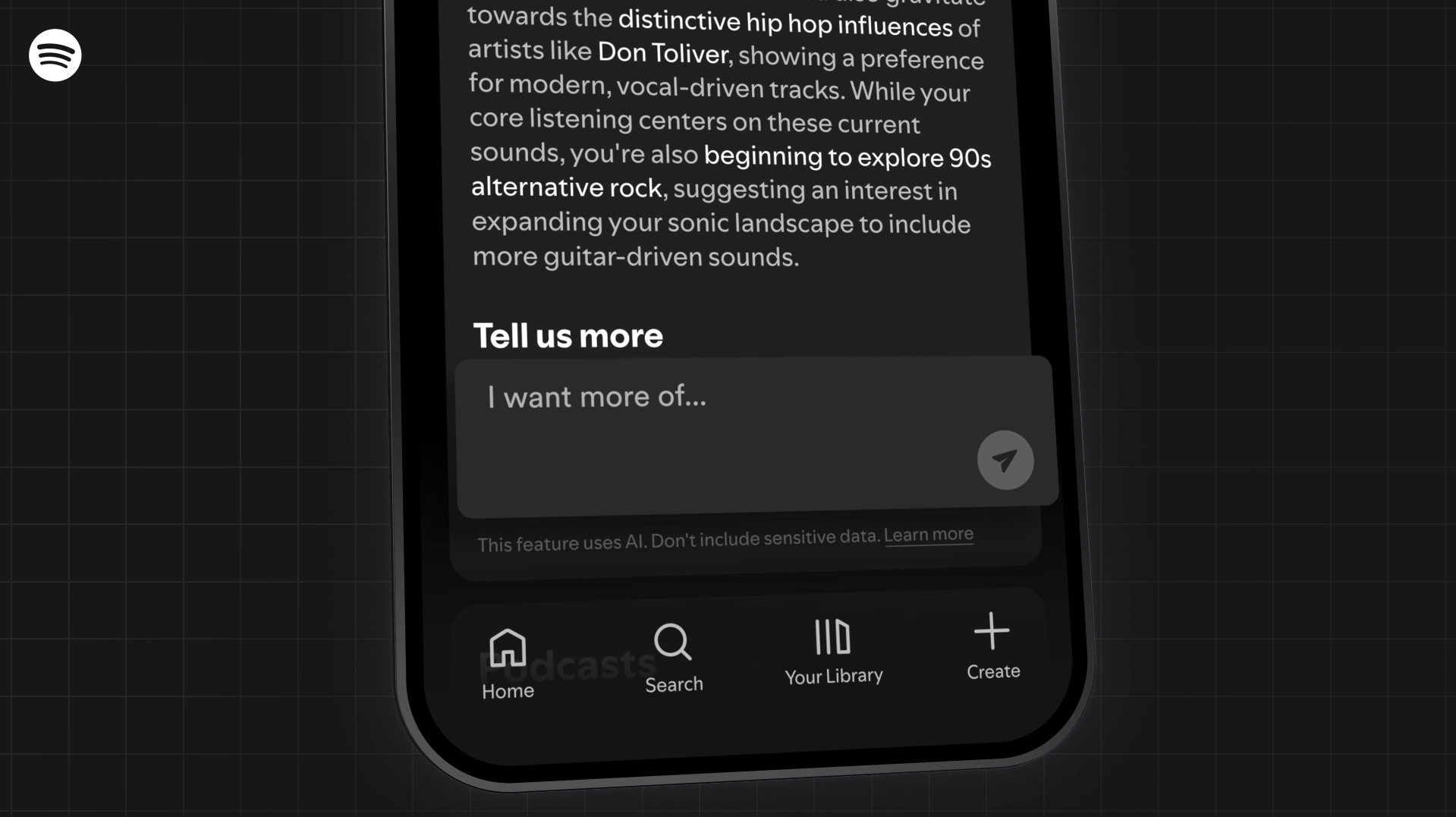
For years, your Spotify Taste Profile has been sitting behind the algorithm, using your listening behaviors to determine which new music it recommends to you. While you can exclude individual songs and playlists from infiltrating your Taste Profile, that's pretty much it as far as controlling how Spotify understands you.
Thankfully, the platform brought Taste Profile to the forefront of the experience earlier this year, allowing you to see exactly how Spotify understands your listening habits and how it uses this to shape your recommendations, and to flag any mistakes it makes. Not only that, but you can also speak directly to it and actively shape what it feeds you.
Using text prompts, you can ask your Taste Profile pretty much anything. If you want to explore a particular genre that's been on your list, you can prompt it to recommend more glam rock, experimental pop, or whatever you're feeling in the moment — and the same goes for artists.
To find it, tap your profile image to open the sidebar where you'll find 'Taste Profile', and then the control is in your hands. You should also note that this tool is only available for Premium subscribers based in the US and New Zealand, so it's not available in every market.
Blocking artists goes a long way
If there's one thing that gets under my skin with music streaming apps is that, sometimes, you can run into artists you can't stand. No matter how much you try to ignore them, they're bound to crop up in your Discover Weekly or whenever you're listening to a Spotify-curated playlist — it's better to rid them completely, I say.
That's why I've gotten into the routine of blocking artists entirely from my feed. It's one of those features that, whenever I bring it up, others don't even know it exists. I'm here to tell you that it does, and it will change your life.
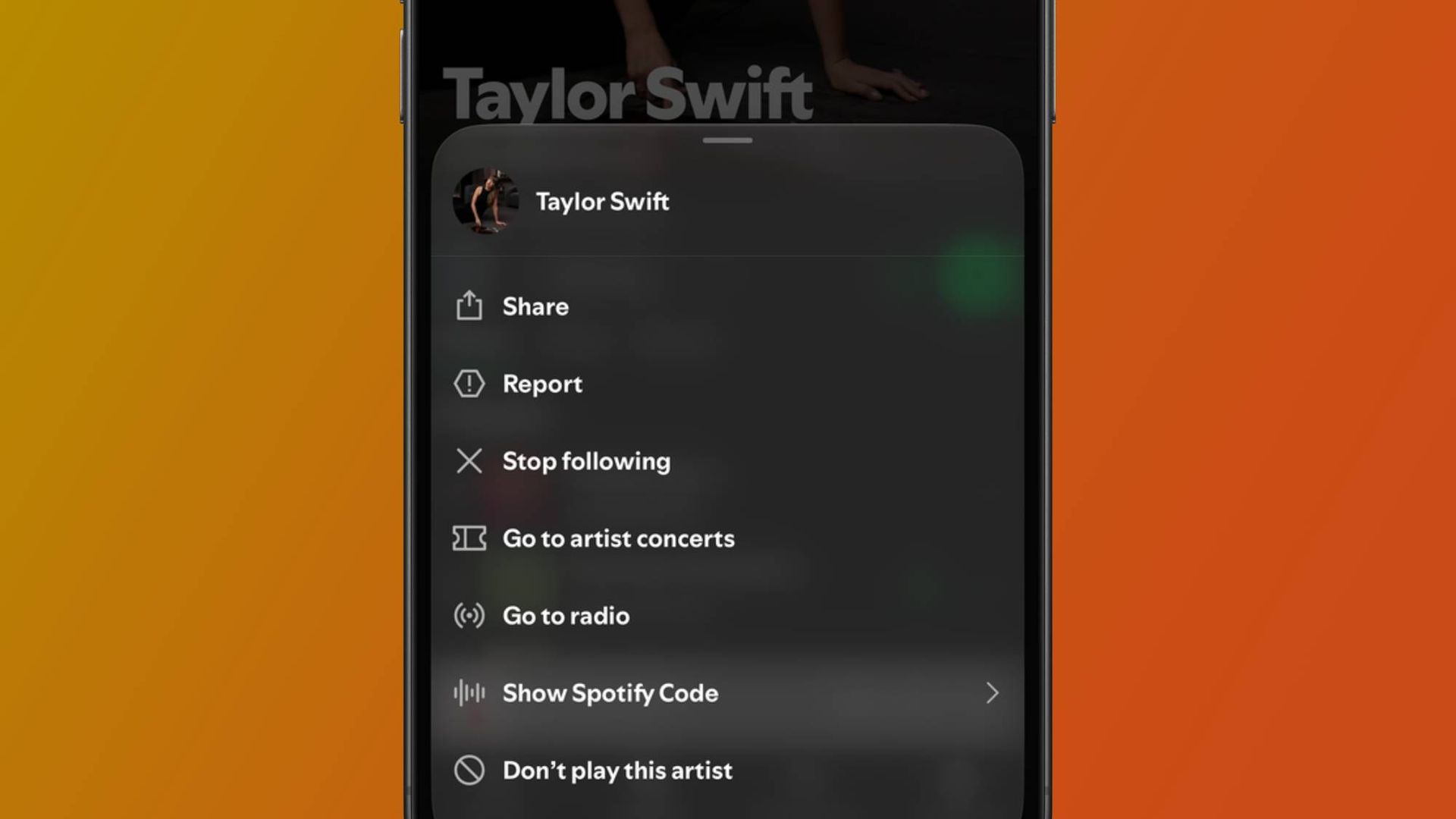
All you need to do is head to an artist's page in the Spotify app, tap the three dots next to the 'Follow' button, and then select 'Don't play this artist'. Once that's enabled, their page will go gray, and their discography will disappear from playlists. Their music also won't show up in features like your Discover Weekly or Daylist, so your blocked artists won't get in the way of new music discovery.
Get your kids' music out of here!
If you're on Spotify's Family plan and your young kids can't keep out of your profile, then I feel for you. There's nothing worse than waiting all year for Wrapped to arrive only to find that your top songs and artists are from your kids' favorite TV shows — the Family plan has individual profiles for a reason!
It's been difficult to avoid this in Wrapped's past, but rest assured Spotify has put its foot down on this infiltration this time around, and you can amend your settings to ensure this music stays far away from your Wrapped summary.
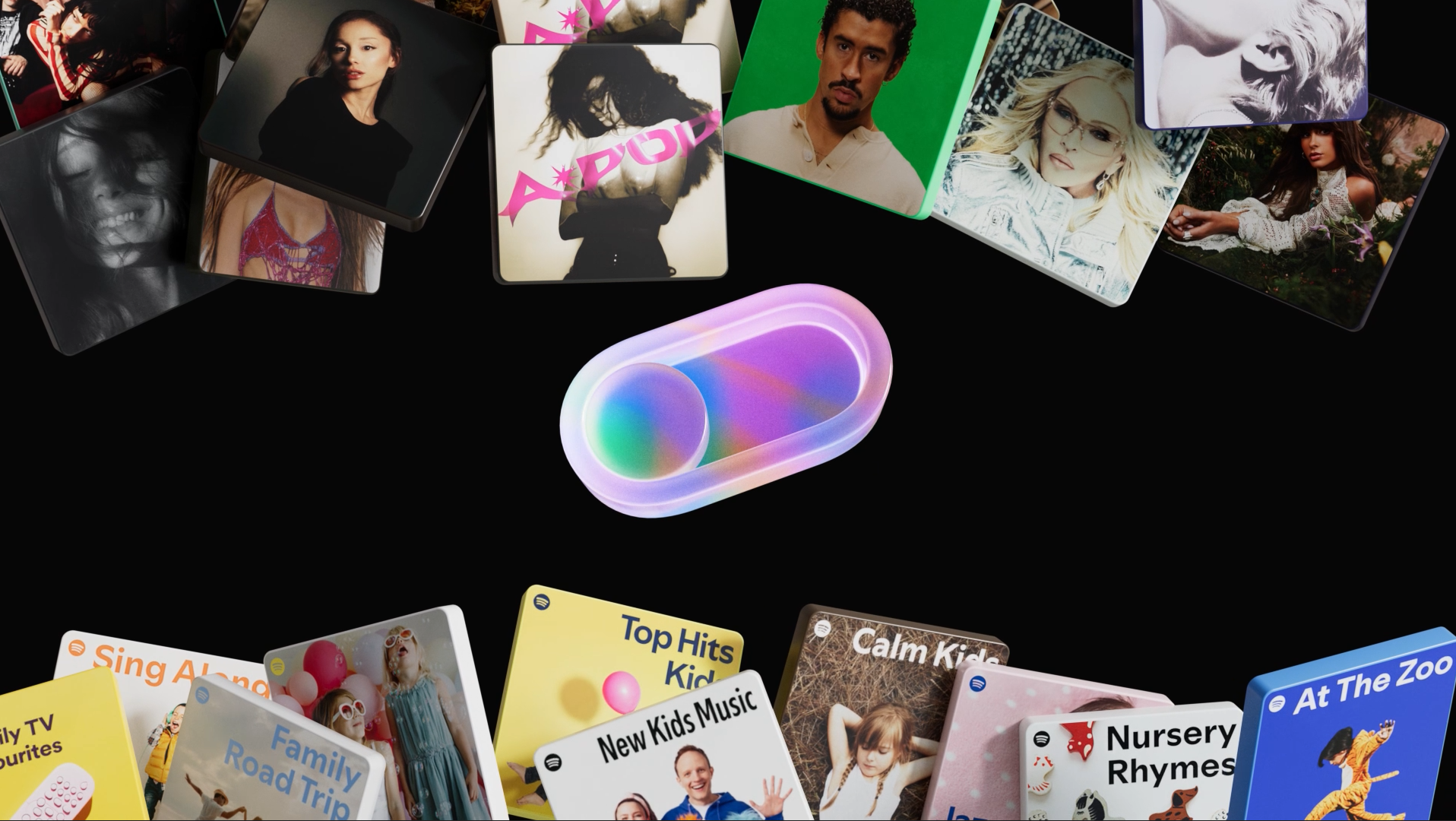
In your settings, you'll find a toggle that, when enabled, excludes all kids and family music that's played on your profile. Not only does this help with steering your Wrapped in a more accurate direction, but it also ensures that your kids' favorite music doesn't affect your recommendations, Discover Weekly, and Daily Mix — so it's not just a benefit for Wrapped.