It’s safe to say the state of 4K Blu-ray players has been bleak over the past few years, with brands such as Oppo, LG and Reavon all discontinuing their respective line-ups. Earlier this year, 4K Blu-ray suffered an even bigger blow when Sony appeared to drop production of its players in Japan, including the Sony UBP-X700, our pick for the best budget 4K player.
Throughout all this, Panasonic has remained as the last mainstream 4K Blu-ray manufacturer (with specialist manufacturer Magnetar also flying the flag). and the Panasonic DP-UB820, the best 4K Blu-ray player on the market, has remained as one of the most popular players available. Unfortunately, the reliable UB820 wasn’t safe from the price increases in the tech market (more on pricing below).
While all this news may seem bleak, there’s been a sudden appearance of 4K Blu-ray players from new companies in recent months, and one of them has arrived in our testing lab: the Krovatar KBU-300. But, how does this new player perform? I decided to compare it to our own UB820 to find out.
Price and build
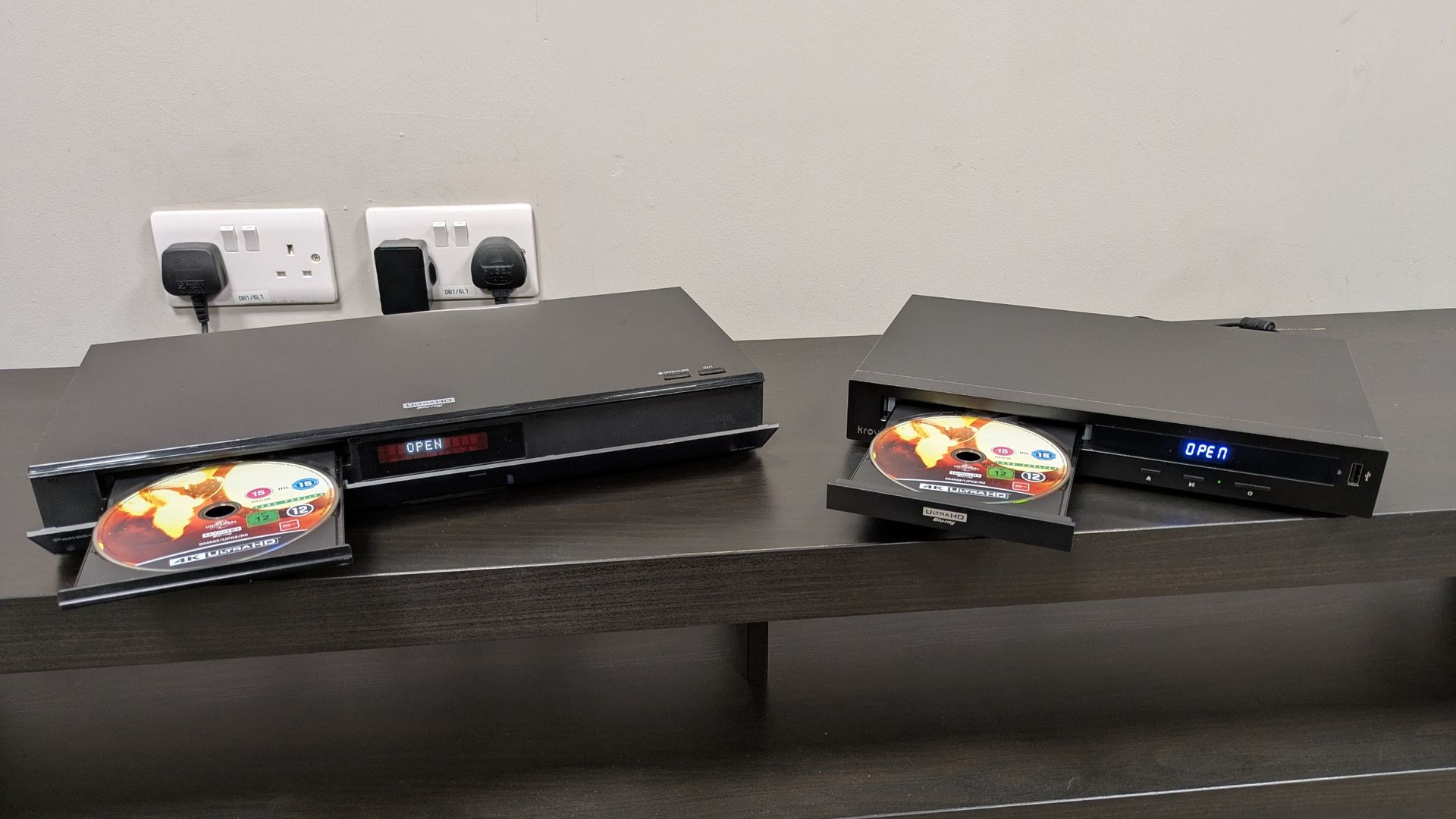
As I mentioned above, the Panasonic UB820 was subject to price increases earlier this year, with its MSRP rising from its previous $540 / £349 / AU$769 to $649 / £429 / AU$929. A bitter bill to swallow for 4K fans.
The Krovatar KBU-300 comes in at a more modest $369 / £349 / AU$650, meaning it slots in nicely between the Sony X700 ($329 / £269 / roughly AU$490) and Panasonic UB820. But, what do you get for your money?
The UB820 is fully kitted out with Dolby Vision and HDR10+ HDR support, Dolby Atmos and DTS:X spatial sound, tons of playback options, and up to 7.1 channels of audio via analog output. Despite being a cheaper player, the KBU-300 also boasts Dolby Vision, HDR10+, Dolby Atmos and DTS:X support, as well as SACD playback: something the UB820 doesn’t have, and nice bonus for audiophiles.
In terms of build quality, the KBU-300 does feel more lightweight, and while its plastic casing isn’t as premium looking or feeling as the UB820’s, it does still have an aluminum chassis underneath that makes it feel more sturdy than you’d expect from a cheaper player. The KBU-300 even uses a Panasonic-made Precision Optical Pickup Assembly (transport). While the UB820 does feel the more premium and sturdy of the two, the KBU-300 is far from rickety.
One thing to note is that I tried using the HDMI cable provided with the KBU-300 and found it was faulty out-of-the-box, glitching from color to black-and-white on one of our discs. Swapping it for one of our own HDMI cables (which was just a budget one from Amazon) rectified the problem.
Picture and performance
The Super Mario Galaxy Movie
 Panasonic DP-UB820Krovatar KBU-300

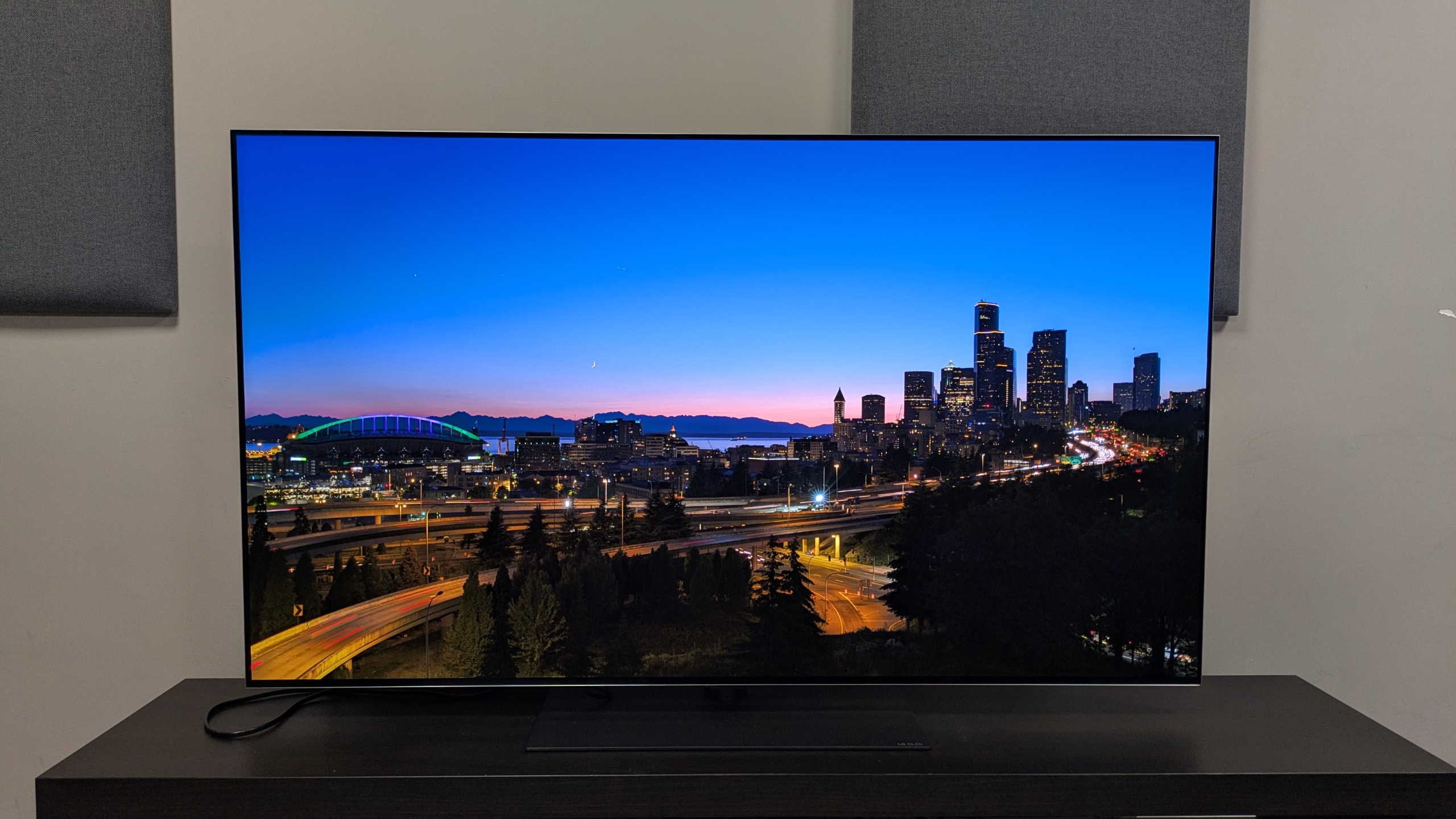
I decided to test both 4K Blu-ray players with the same three movies to see if there were any obvious differences in their picture quality. I connected them both to the LG G6 OLED TV, our choice of reference TV, and used The Super Mario Galaxy Movie, Oppenheimer and The Batman.
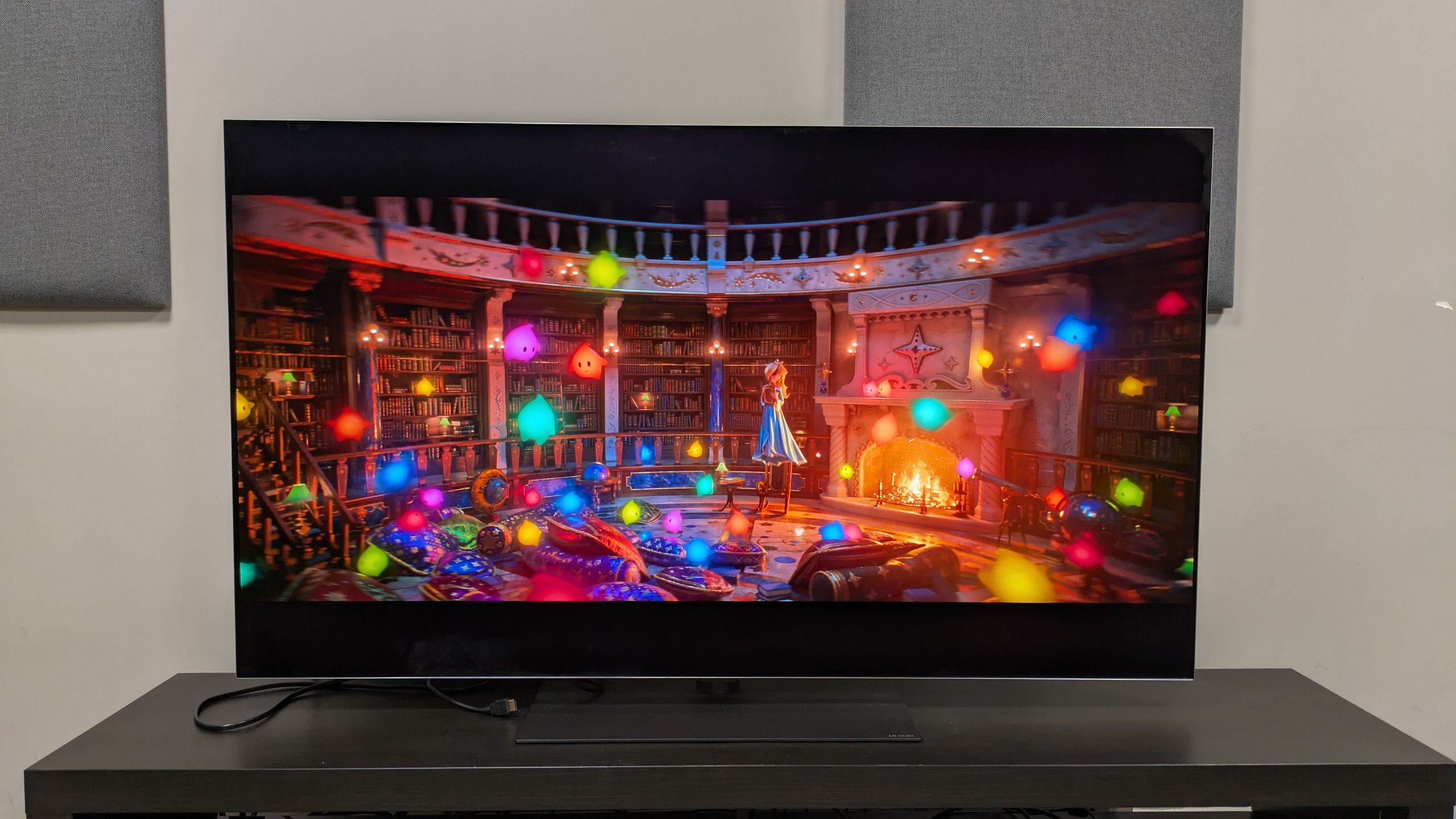
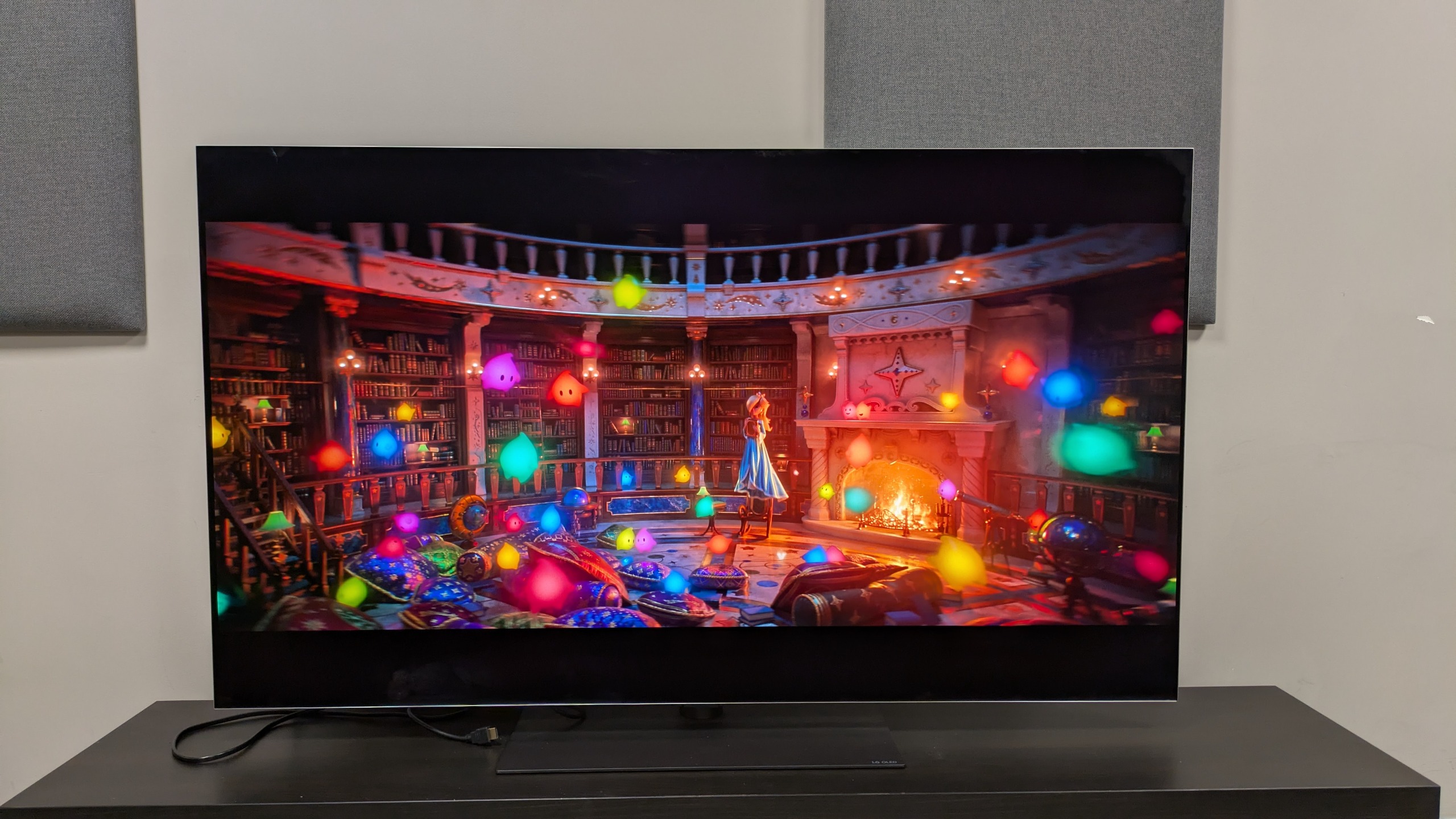
Watching The Super Mario Galaxy Movie, both TVs rendered the crisp animation and vibrant colors of the movie accurately and switching between the two, there was very little difference. In the scene where the Lumas are by the fireplace, the UB820 has slightly richer colors, but it really is very close between the two.
Switching to The Batman, a darker, more contrast-y movie, again both players showed strong contrast with deep dark tones and punchy, bright highlights. This is shown when Bruce works in the Batcave at his dark desk, surrounded by monitors and lamps. For these tests I had the TV set to Filmmaker Mode, which is designed to remain faithful to the ‘director-intended’ picture. Switching to Cinema Home, I still couldn’t see any major differences.
Oppenheimer
 Panasonic DP-UB820Krovatar KBU-300
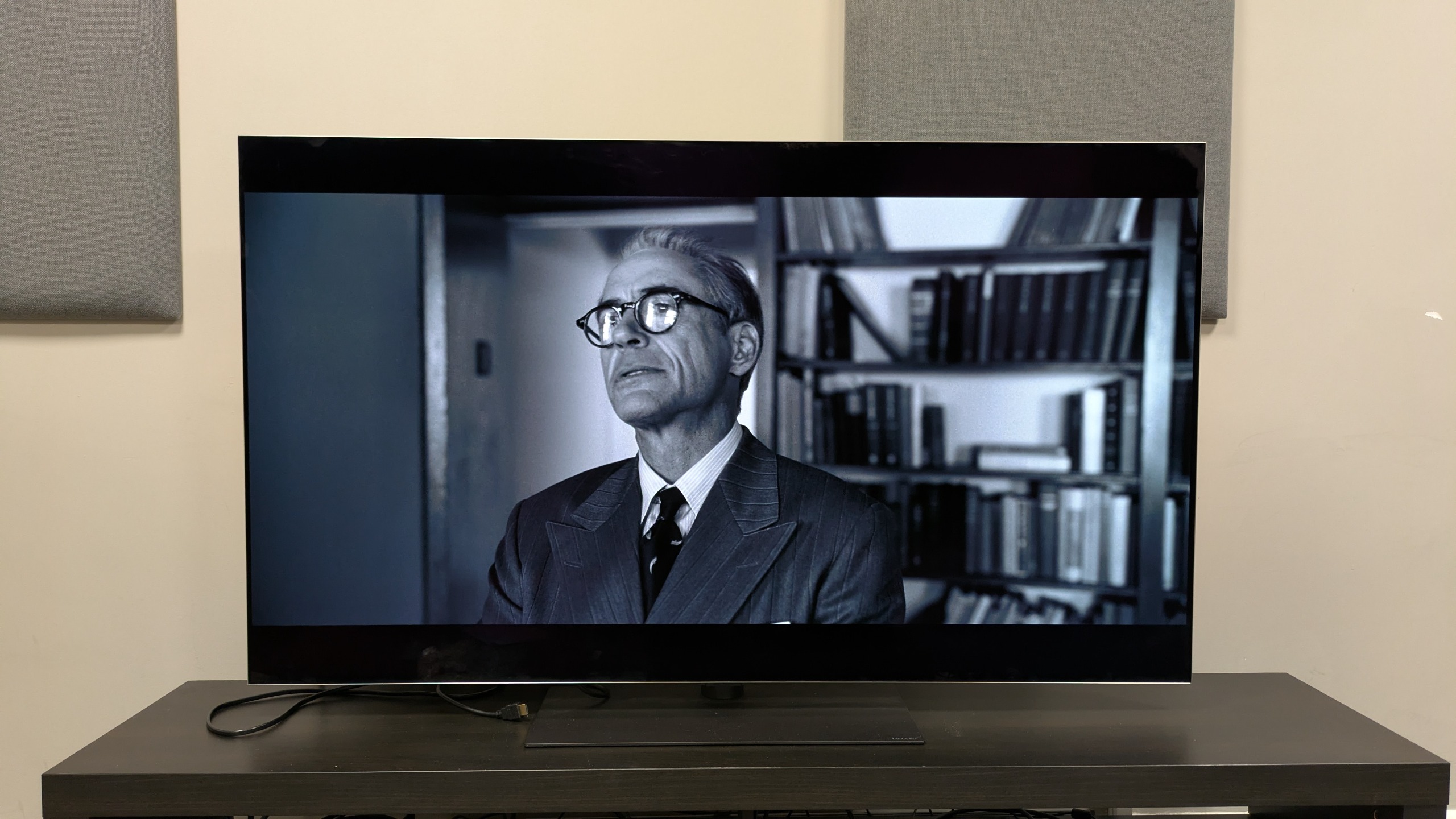
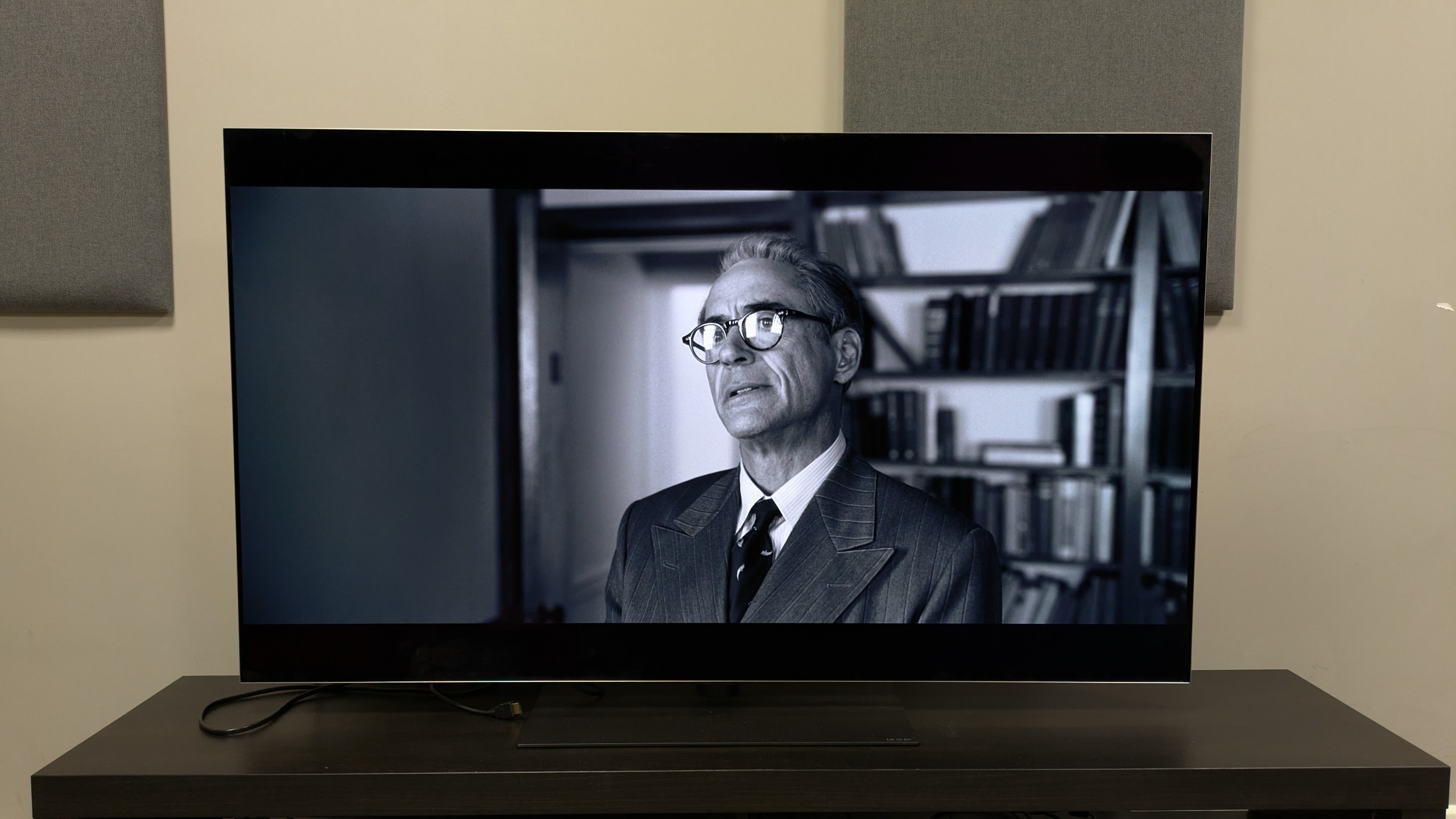
Watching Oppenheimer, scenes in color looked incredibly similar on both TVs with very little to pick out. Watching the black-and-white scenes, such as Strauss’ tour of the University with Oppenheimer is where I noticed the first difference between these players.
Both players rendered the image well, with great balance and a fantastic range of gray tones, but I noticed that the UB820 had better color accuracy, where the KBU-300 had more of a blue/green hue to it. This was only noticeable when compared with the UB820, but viewed in isolation, the KBU-300’s image was still very good.
Operation and usage
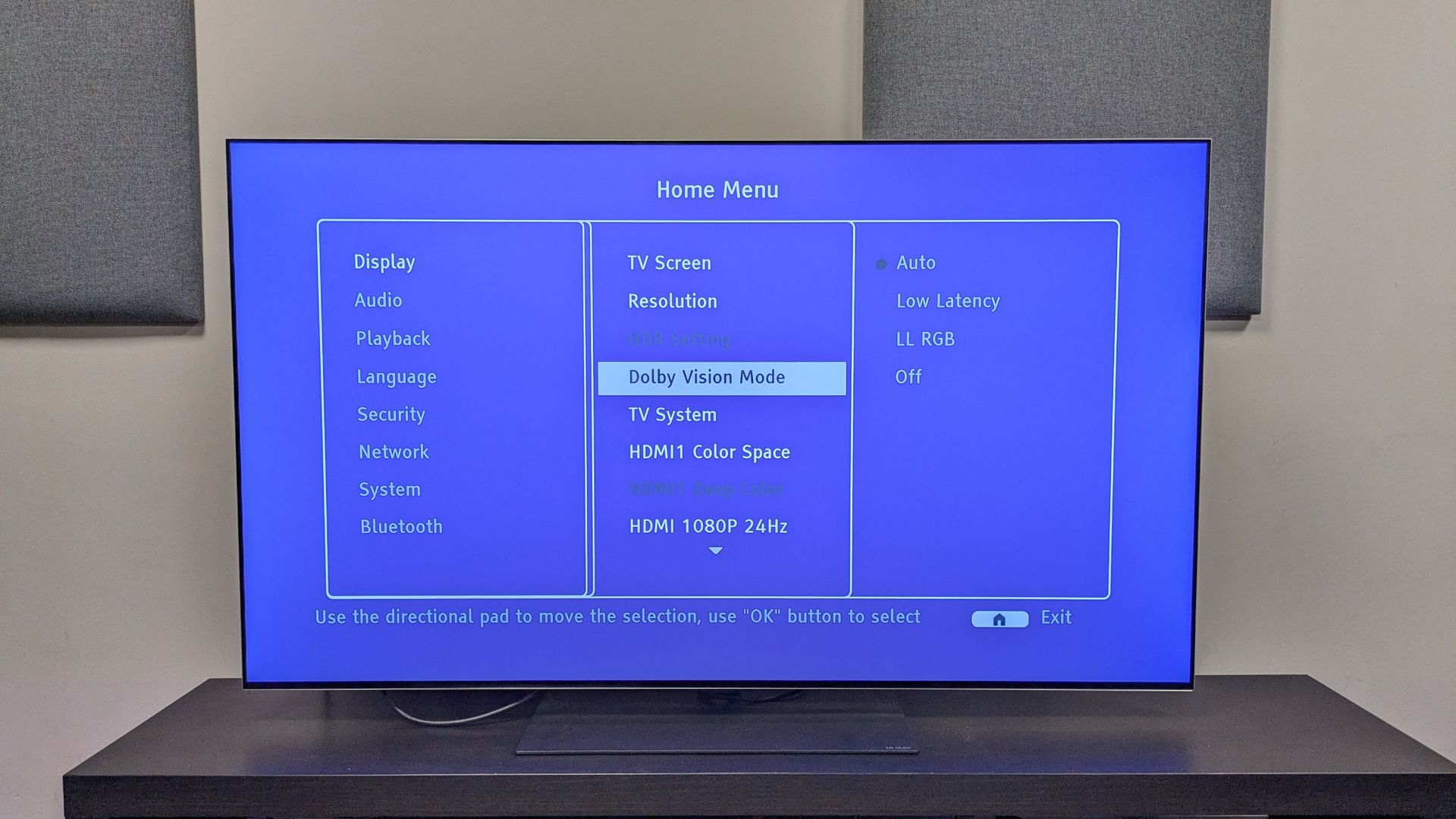 If you're watching non-Dolby Vision discs, you'll have to turn it off manually in the KBU-300's settings menu, which is frustratingFuture
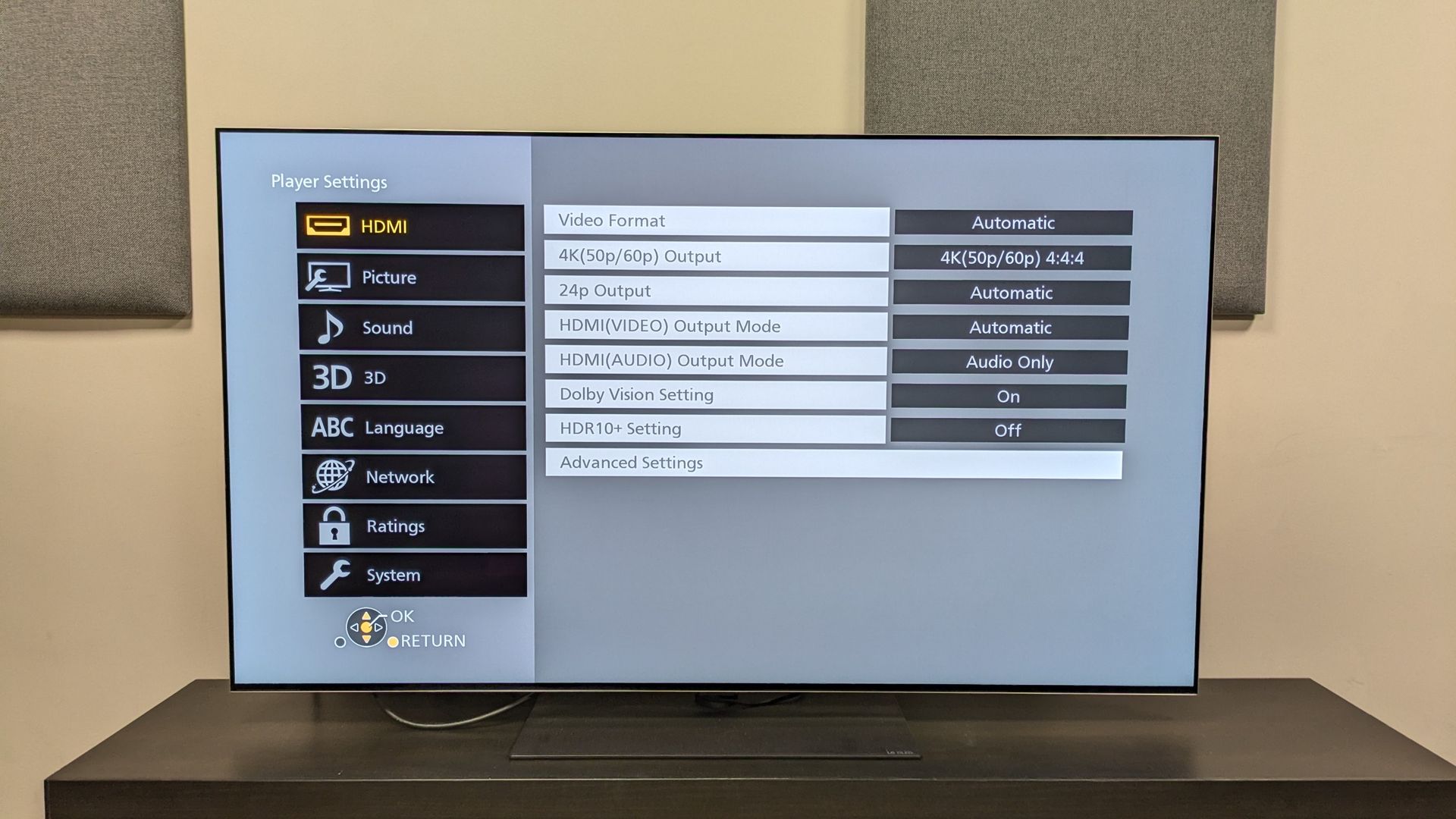 The UB820 can have Dolby Vision and HDR10+ content on and easily render the correct picture modes automatically based on the sourceFuture
Starting with loading times, the UB820 is the quicker of the two players. From the disc tray closing to loading to a 4K Blu-ray’s first titles on screen (I used The Batman), the UB820 took 22 seconds, whereas the KBU-300 took 27 seconds. While this is a negligible difference, it was just one example of the UB820’s processor feeling faster.
When navigating menus and movies (such as fast forward and scene skips), the UB820 felt more responsive again.
I noticed while watching movies that the KBU-300 makes more fan noise than the UB820. The KBU-300 generally seemed to run hotter, indicated by the temperature of the discs when I took them out of each player, as well as how hard the fans worked.
One big frustration for me was that if Dolby Vision is selected on the KBU-300, it will default to this even if the source isn’t Dolby Vision, as I found when watching HDR10-only content.
This means when watching non-Dolby Vision content, you’ll need to turn the setting off manually: something that happens with the Sony UBP-X700 as well. The UB820 doesn’t have this issue and displays the correct HDR with no manual tweaking.
The better buy
 Panasonic DP-UB820Krovatar KBU-300
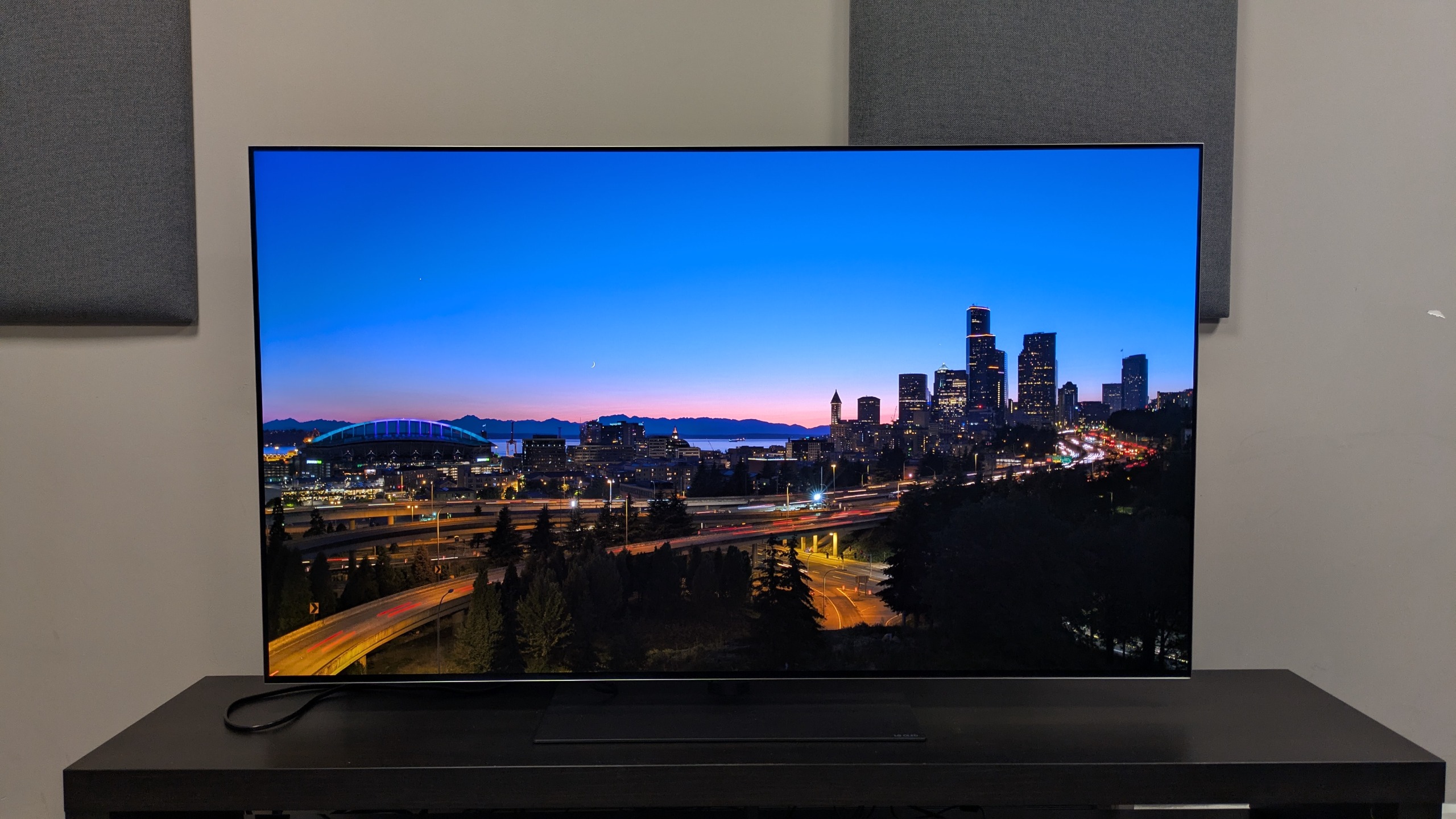
After comparing the two players, I still prefer the Panasonic UB820 for its faster processing and overall performance, but the KBU-300 proves itself to be a competent and great overall 4K player in its own right.
But which is the better buy? Well, that depends on your region. In the US, even with Black Friday deals starting, the UB820 is $609 (after discount), whereas the KBU-300 is $369. A $240 difference is tough to justify after testing the two side-by-side, so the KBU-300 should be your pick in the US if you don't mind the fan noise, Dolby Vision quirk and slightly lower responsiveness I've mentioned above. And for SACD fans, it's obviously a winner.
In the UK however, the UB820 is available for £379 at various retailers right now, meaning it’s only £40 more than the KBU-300’s £339 price. In this case, I’d spend the extra for the UB820’s better performance. And in Australia right now, the KBU-300’s stock seems thin so the UB820 is your better bet of the two generally.
Make no mistake, the UB820 remains my top 4K Blu-ray player but if the Krovatar is an indication of new school players, I’m hopeful for 4K Blu-ray’s future.