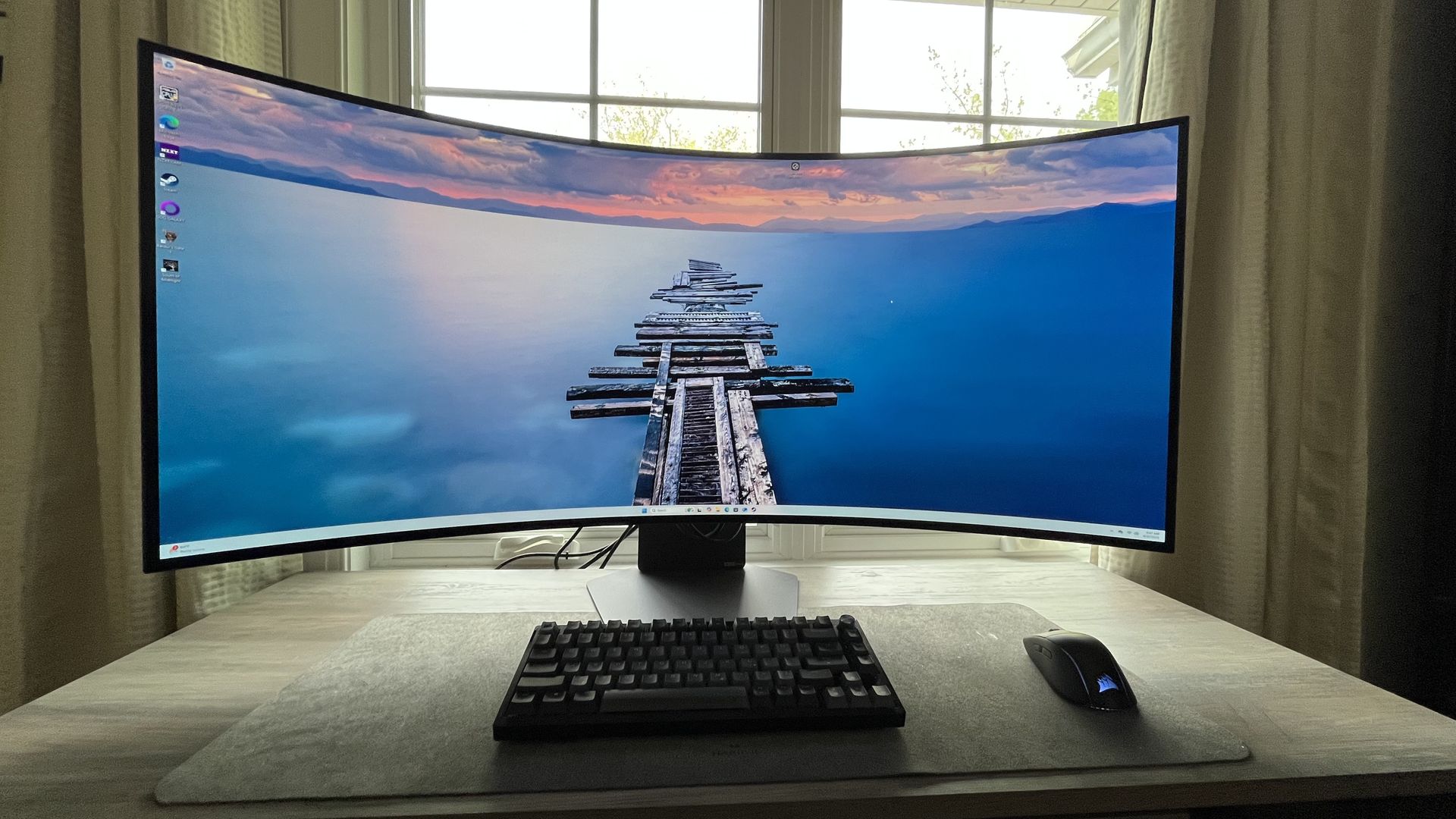
Today’s best monitors are a sight to behold, delivering sharp, vibrant visuals that elevate any PC setup; whether you're working, gaming, creating, or kicking back for some entertainment. If you're ready for an upgrade or starting a brand-new build, the sheer visual quality on offer right now is seriously impressive.
And we should know: backed by more than 20 years of reviewing the latest panels, my team of monitor experts and I are here to help you track down the right screen for your desk. From budget-friendly 1080p bangers built for fast-paced gaming to jaw-dropping 4K OLEDs tailored for creative pros, TechRadar puts every display through rigorous hands-on and lab testing to separate the standouts from the rest.
Every monitor in this guide has been handpicked using the four key criteria I always rely on when testing or shopping for a display: budget, performance, design, and feature set.
Why you can trust TechRadar✅ More than 100 monitors reviewed over the past few years
✅ 15 years of product testing
✅ Over 16,000 products reviewed in total
✅ Nearly 200,000 hours testing tech
The best monitor overall
1. MSI MPG 322UR QD-OLED X24
The best monitor overall
Screen size: 32-inch | Aspect ratio: 16:9 | Resolution: 3840 x 2160 | Refresh rate: 240Hz | Brightness: 300 nits | Response time: 0.03ms | Viewing angle: 178°/178° | Contrast ratio: 1,500,000:1 | Color support: 100% Rec.709, 100% sRGB, 95% P3 | Weight: 9.4 kg
Brighter, punchier QD-OLED techReduced purple tintGood connectivityPurple tint not totally solvedNot exactly cheapBuy it if...✅ You want a single monitor for everything: MSI's X24’s 4K resolution and fast panel mean you get sharp text for work and smooth motion for play—all in one.
✅ You're after cutting-edge OLED tech: With Samsung's latest five-layer Tandem QD-OLED tech, you're getting all the benefits of deep blacks, rich colors and even better resistance to OLED burn-in. This will last you for years.
Don't buy it if...❌ You’re after a supremely bright display: We'd expect a huge upgrade in brightness here, but as with most OLEDs, this can be a touch dim.
❌ You’re after a bargain 4K display: This is a 4K OLED display, after all, and sporting the latest specs, so expect a high price tag (that said, it's still not the most expensive you'll find).
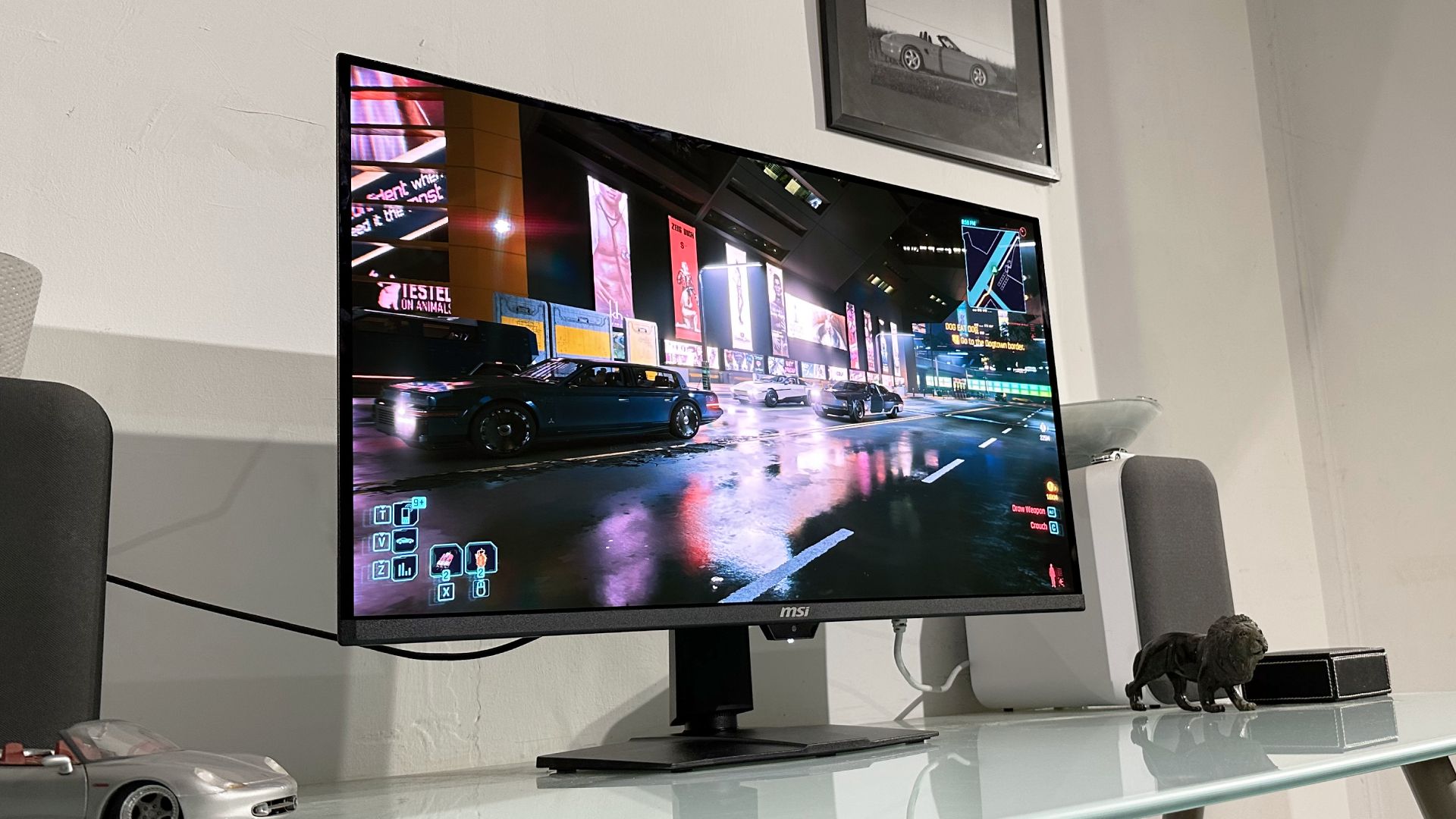
Looking for top-grade visuals on a minimalist, sturdy display sporting all the high-end ports you could ask for? The MSI MPG 322UR QD-OLED X24 provides, which is why we've named it the best monitor you can grab today.
Workers, gamers and creatives alike will have everything they could want. Sharp 4K visuals with a 240Hz refresh rate, 0.03ms response time, along with a full range of adjustment, including tilt, height, swivel, rotate and pivot (not to portrait mode, though), make this a fitting monitor for most desks.
While using this monitor, our team found the HDR experience genuinely impressive; it’s not just technically good—it’s the kind of eye-popping upgrade that makes gaming and movies feel special. The panel tech here isn’t just about numbers, either: the QD-OLED delivers color pop and contrast that most LCDs can’t touch.
You get dual HDMI 2.1, DisplayPort 2.1, and a USB-C port with 98W power delivery—meaning you can hook up a laptop or console with a single cable and still charge your device. That’s a huge plus if you’re juggling between home office and entertainment setups.
Now, brightness isn't its strong suit, and it is relatively pricey. That being said, that's typical of most OLED displays, and it's still not the most expensive around. But if you’re after a single, long-term display that nails the basics and then some, the X24 is the overall winner this year.
Read our full MSI MPG 322UR QD-OLED X24 review
The best budget monitor
2. BenQ GW2486TC Eye-Care Monitor
A cheap monitor with all the right specs
Screen size: 23.8-inch | Aspect ratio: 16:9 | Resolution: 1920 x 1080 | Brightness: 250 nits | Response time: 5ms | Viewing angle: 178°/178° | Contrast ratio: 1300:1 | Color support: 99% sRGB | Weight: 6.2kg
Very affordableVersatile ergonomicsQuick refresh rateSolid office-oriented features like USB-C and eye comfort viewing modesNo cable managementNot all that brightNo KVMBuy it if...✅ You want maximum value on a tight budget: It’s hard to beat the GW2486TC’s $189.99 / £149.99 / AU$289 price for a monitor that delivers across work, media, and even some light gaming.
✅ You need flexible viewing comfort: With 130mm height adjustment, wide swivel, and tilt, it’s easy to set up for any desk or task.
Don't buy it if...❌ You need professional-grade color or gaming specs: As you might expect, it lacks the advanced calibration tools and color precision found on higher-end models, along with the high refresh rates or response times of displays for gamers.
❌ You want built-in KVM or cable management: There’s no KVM switch or dedicated cable management, so it’s less suited for multi-device setups.
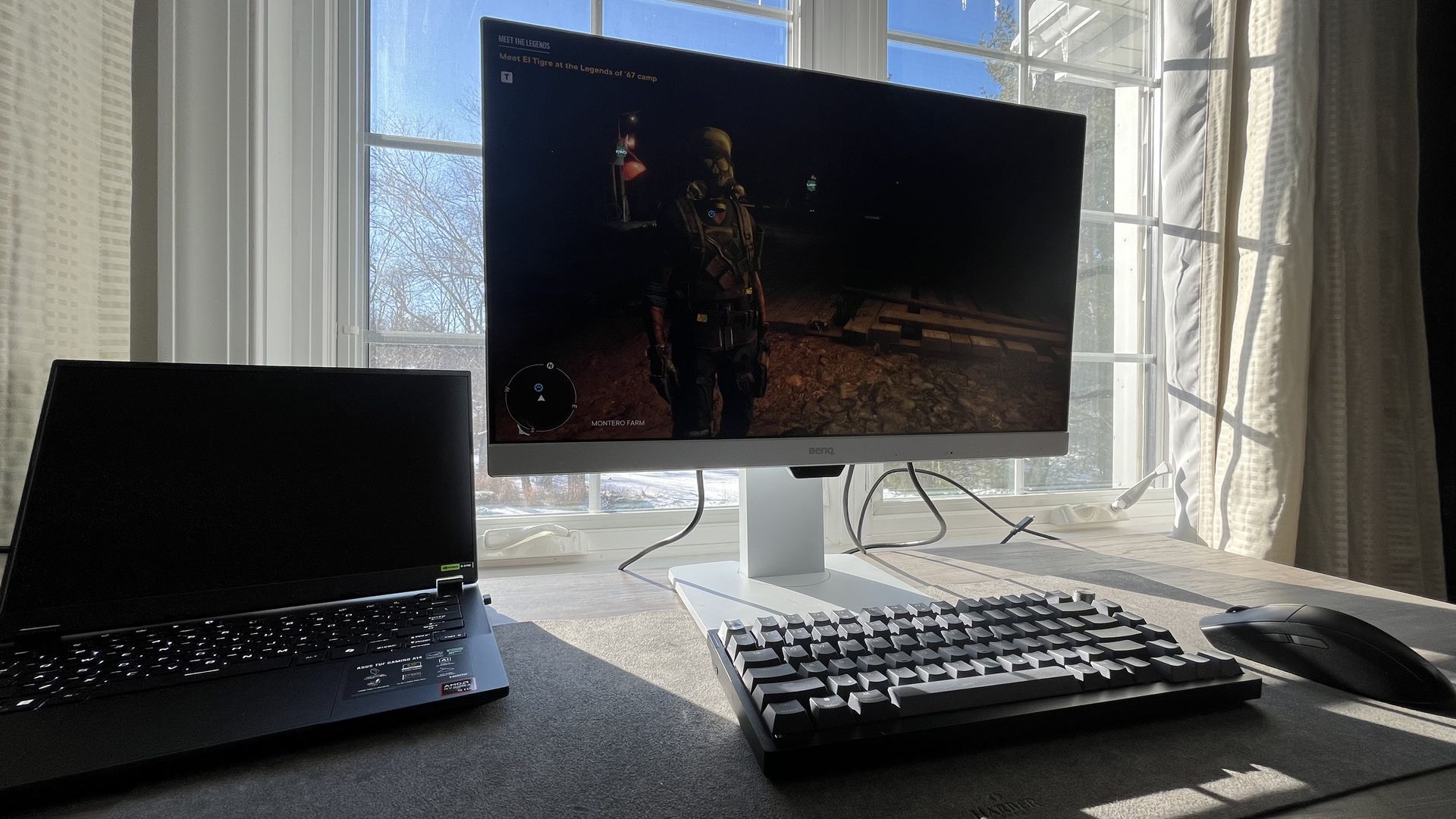
There are plenty of wallet-friendly displays out there, especially if you're after a second screen to connect to your laptop, but none quite reach the value the BenQ GW2486TC Eye-Care Monitor offers.
At its sub-$200 price (it goes for even less during a big sale), it’s a monitor that won’t make your wallet wince, yet it delivers 99% sRGB coverage. That's enough to handle creative work, streaming, and everyday office tasks. Beyond that, it even boasts a 100Hz refresh rate and 5ms response time, and that's more than good enough for some casual gaming.
In our reviewer's month of everyday use, the GW2486TC proved fantastic for all-day work. That 250-nit brightness isn't the brightest by far, but it's perfectly fine for office setups, and combined with its excellent ergonomic stand (130mm of height adjustment, generous swivel and tilt for even vertical viewing), it’s easy to fine-tune for long work sessions or awkward desk setups. Don't expect pro-grade specs here, but that's to be expected at this cost.
If you’re after a practical, reliable monitor for mixed use on a budget, and don’t mind skipping cable management and KVM, the GW2486TC is the obvious choice. It’s built for the buyer who needs one display that just works, day in and day out.
Read our full BenQ GW2486TC Eye-Care Monitor review
The best monitor for professionals
3. InnoCN GA27S1Q
Outstanding colors on this powerhouse monitor
Screen size: 27-inch | Aspect ratio: 16:9 | Resolution: 2560 x 1440 | Refresh rate: 280Hz | Brightness: 250 nits | Response time: 0.03ms | Viewing angle: 178°/178° | Contrast ratio: 1,500,000:1 | Color support: 98% DCI-P3, 99% sRGB, 94% Adobe RGB, 78% BT.2020 | Weight: 5.7 kg
Amazing color gamut coverage280Hz on a QD-OLED panel at this priceDual HDMI 2.1 and dual DisplayPort 1.4Full ergonomic stand: pivot, swivel, heightAnti-burn-in protection built inOnly 250 nits typical brightness (SDR)DisplayHDR True Black 400, not 500 or higherNo USB hub on the rearExternal power brick rather than internal PSUBuy it if...✅ You demand professional color accuracy: Measured 98% DCI-P3 coverage and factory calibration (Delta E < 2) means you can trust this display for color-critical work.
✅ You need ergonomic flexibility: The stand supports height, tilt, swivel, and pivot, so you can set it up for long sessions without neck strain.
Don't buy it if...❌ You require 4K resolution or Thunderbolt: This model tops out at 2560 x 1440 and lacks Thunderbolt, so power users needing single-cable workflows or ultra-fine detail will want to look elsewhere.
❌ You need full control in HDR mode: When HDR is enabled, brightness and contrast controls are locked out; if you toggle HDR often, this could slow down your workflow.
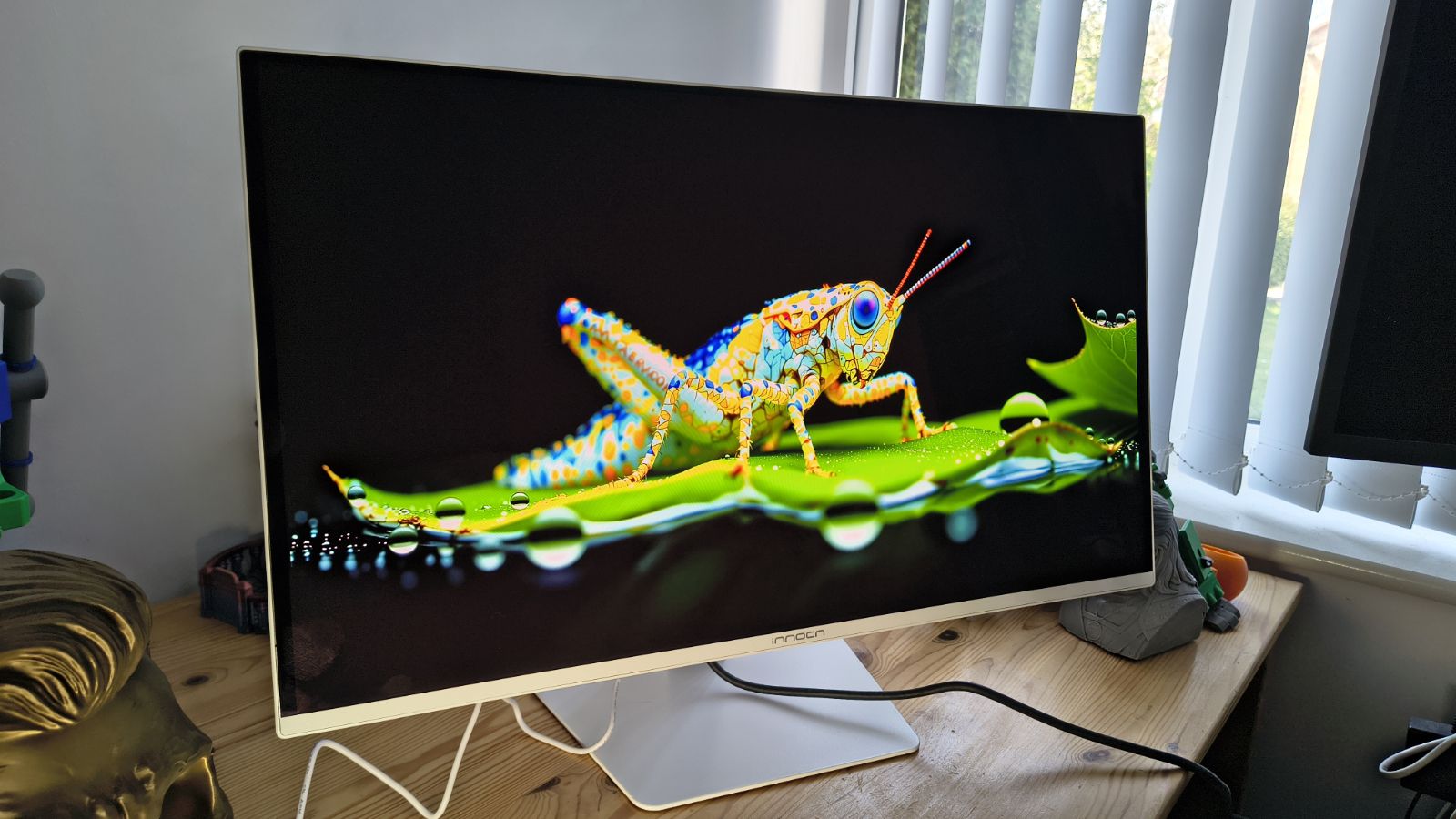
Pro-level displays are no longer the premium-priced, inaccessible purchase they started out to be – at least as far as the InnoCN GA27S1Q is concerned. This 27-inch panel delivers measured 98% DCI-P3 color coverage and arrives factory-calibrated with Delta E under 2, letting you trust what you see for color-critical client work and print proofs.
Where this display quietly excels is in day-to-day studio comfort. The stand offers generous 120mm height adjustment, tilt, swivel, and a full 90-degree pivot, so getting your palettes, timelines, or canvases exactly where you want them won’t involve makeshift risers or neck strain during long sessions.
There’s a quirk worth flagging: when HDR mode is on, you can’t adjust brightness or contrast, or select other picture modes. Full customization returns once HDR is deactivated. It’s not a dealbreaker, but it’s a detail you’ll notice if you bounce between SDR and HDR tasks.
If color accuracy, pro ergonomics, and value rank highest on your checklist, the InnoCN GA27S1Q stands out among pro monitors this year. Those demanding 4K or all-in-one Thunderbolt simplicity will still look elsewhere, but for most creative workflows, this display gets the essentials right and leaves budget for the rest of your studio. Creatives may want higher resolution and more color modes, but for the most part (and that price), this monitor excels.
Read our full InnoCN GA27S1Q review
The best gaming monitor
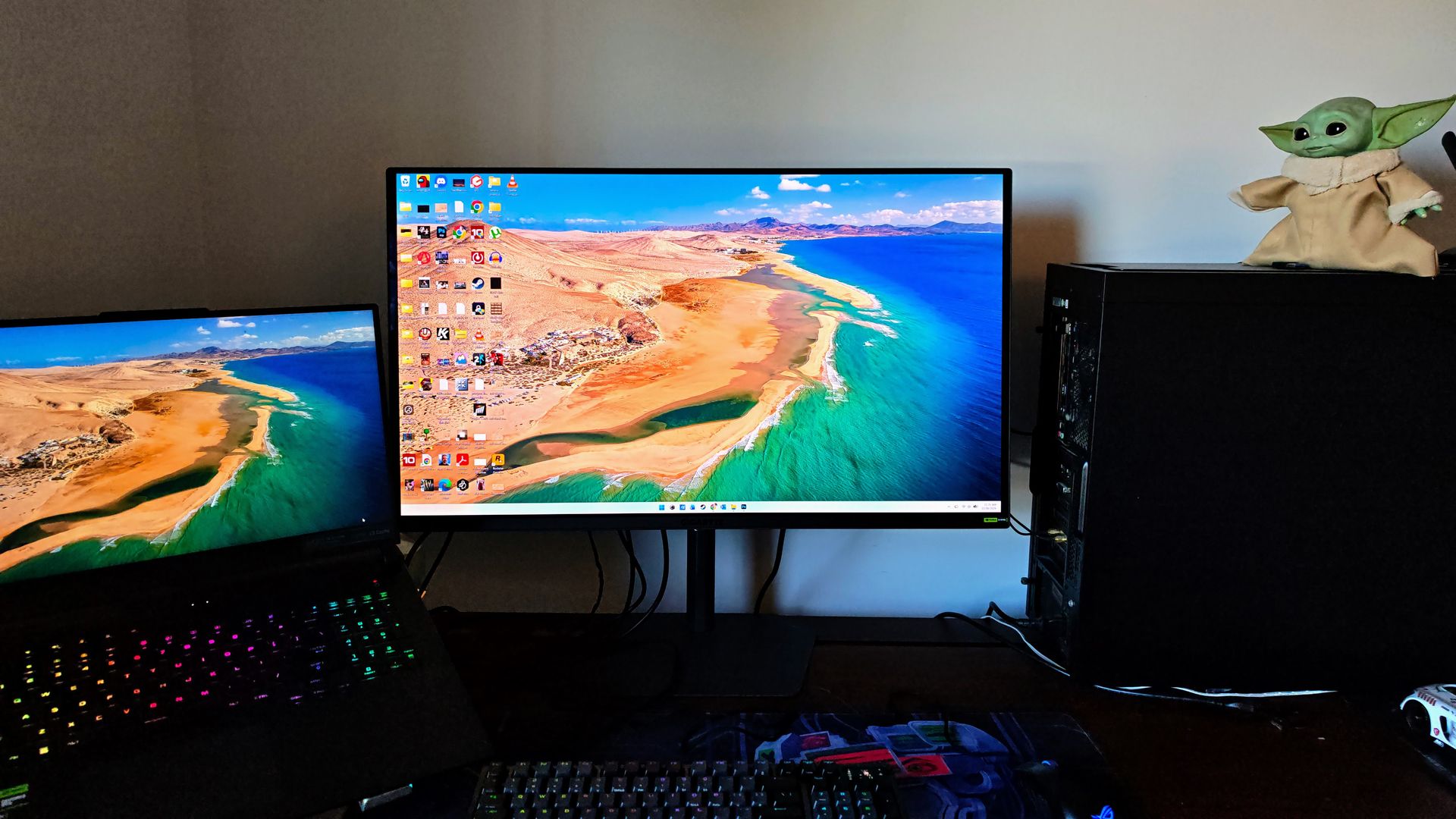
4. Gigabyte MO32U24
The best monitor for gamers
Screen size: 31.5-inch | Aspect ratio: 16:9 | Resolution: 4K UHD | Refresh rate: 240Hz | Brightness: 1,000 nits | Response time: 0.03ms | Viewing angle: 178° | Contrast ratio: 1.5M:1 | Color support: 99% DCI-P3 | Weight: 7.95kg
240Hz refresh for smooth motionSuperb HDR performance0.03ms response minimizes ghostingRich feature set for tinkerersNot cheapNo fancy RGB aestheticsBuy it if:✅ Choppy motion and lag frustrate you: The MO32U24's 240Hz refresh and 0.03ms pixel response create a noticeably fluid, responsive gaming experience—even in the fastest shooters.
✅ You want bright, colorful visuals: This monitor's HDR performance, with impactful HyperNits and saturated color, stands out for dynamic, lifelike highlights in games and movies.
✅ Customization is important to you: With a multitude of image-tinkering options to suit persnickety workers and gamers, tweaking the picture to get the perfect visuals for you is a breeze.
❌ You're on a tight budget: While you could easily spend more on a gaming monitor, the MO32U24 isn't exactly budget-friendly.
❌ You want a flashy monitor for your setup: With a restrained design and no bright RGB lighting, this monitor doesn't exactly match the 'gamer aesthetic'.
The Gigabyte MO32U24 stands out in the gaming monitor crowd with its 240Hz refresh rate and excellent HDR performance powered by HyperNits technology, making it a top choice if you want both smooth motion and impactful visuals for your setup. The combination of QD-OLED panel technology and the high refresh rate delivers a clear advantage for fast-paced games, ensuring both stunning brightness and saturated colors that pop in HDR titles.
For competitive play, the MO32U24 features a 0.03ms pixel response and dual G-Sync/FreeSync support. In our testing, even in high-intensity shooters and esports titles, the panel kept up without noticeable ghosting, and adaptive sync helped minimize screen tearing across platforms.
Beyond gaming, one of our testers noted they could leave HDR enabled throughout the workday without discomfort, which is uncommon for a high-brightness panel. In other words, the MO32U24 can pull double duty as a screen for both productivity and gaming with minimal need to toggle settings.
Not every feature hits the mark. Although the MO32U24 comes with a rich feature set of image-tweaking options, our reviewer did note that the 'Game Assist' features were a bit useless. Night Vision, for example... turns the screen green. Revolutionary.
But if you want the best blend of speed and visual punch in a standard-size monitor, the MO32U24 hits the sweet spot. It delivers better HDR and color than many pricier ultrawide or max-refresh models like the LG Ultragear GX9, but without their cinematic scale or high-Hz ceiling.
The best ultrawide monitor