It doesn’t take much to bring a home network to its knees.
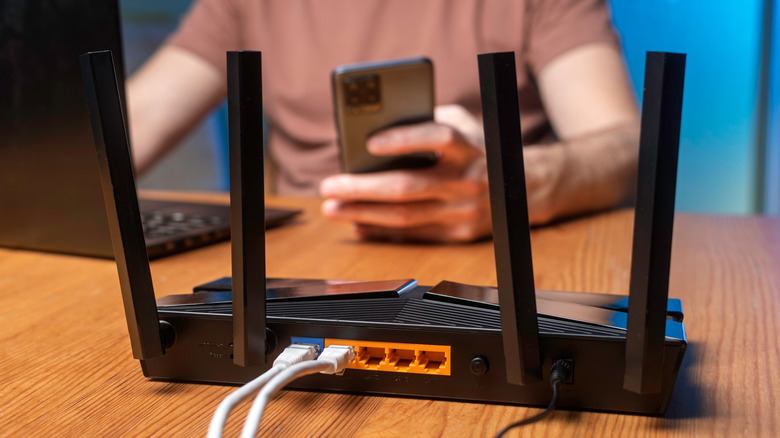
Any home network, regardless of efficiency and performance, can get overburdened when enough devices are connected, each vying for its own slice of the pie. When that happens, it's pretty obvious, with the infamous buffering circle plaguing screens, laggy online gaming, endless download times and the apocalypse landing on your doorstep. It doesn't take much to reach this point either. A single high-end smartphone can eat up quite a bit of bandwidth all by itself.
There are two potential limitations to consider. The first is the internet connection coming into your home via your Internet Service Provider (ISP). The second is the Wi-Fi connection between your router and your devices. A faster internet plan won't fix a weak signal from a router tucked into an out-of-the-way corner. On the flip side, a faster router can't do much with a slow internet service plan.
The knee-jerk reaction is to replace your router, upgrade your internet service plan speed and place the router in a more efficient position. That may indeed help, but not everyone can run out and purchase a Wi-Fi 6 or 7 router and hassle their ISP for faster service and an accordingly higher bill. But you shouldn't have to, as long as you don't mind playing with the numbers.
How many devices can your internet connection handle?
There's no reliable rule that says "100 Mbps internet connection supports a specific number of devices." Instead, estimate how many devices can run simultaneously without bogging everything else down. Netflix, for example, recommends a stable connection of at least 15 Mbps for each 4K stream. Three streams represent about 45 Mbps of recommended capacity without accounting for any overhead throughout the home (even coffee pots connect to Wi-Fi nowadays).
No, this doesn't mean each stream constantly consumes exactly 15 Mbps. We're just using it as a reference number for the purposes of planning things out. If there are 10 devices in the home, each using 10 Mbps, that would equal 100 Mbps. In that case, a 100 Mbps download speed (FCC's minimum broadband requirement) would leave no room to spare if all 10 devices are up and running at the same time. In reality, of course, speeds fluctuate, but it's a helpful little math drill to run if you're trying to stay organized and keep that ridiculous buffering circle off your TV screen.
Upload speeds are important for things like video calls or security cameras uploading footage of squirrels fighting in the front yard. Upload speeds are generally much slower than download speeds, thanks to asymmetrical broadband with ISPs allocating most of the bandwidth to downloads. Once you understand the speeds and the average consumption of a single device, you can plan large downloads or other Wi-Fi-intensive tasks for less busy times.
How many routers do I need in my home?
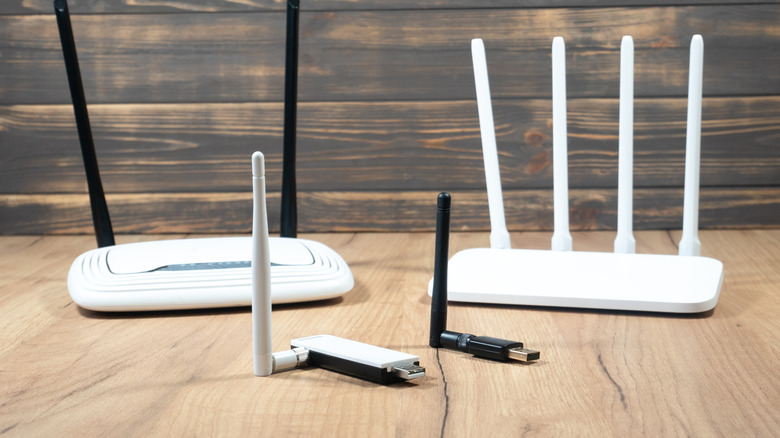
For the vast majority of households, one router is more than enough. A good mesh system or efficiently placed access points will solve most problems. An additional router makes sense in very specific situations. For instance, if your ISP has no choice but to run your wires and install your gateway in the far corner of your home, running an Ethernet cable from the gateway to a router in the center of your home might work out great.
But your best bet is to start with what you already have, and add to it incrementally on an "as-needed" basis. Switch stationary devices (PCs, consoles, TVs, etc.) to Ethernet, if possible, removing their traffic from Wi-Fi, although their internet activity will still share your broadband connection. A router upgrade is an option if you need something that can efficiently manage more devices. Just remember that advertised device capacity is great, but it can't overcome bandwidth limitations on your ISP plan.
If you opt for a mesh system to complement an ISP gateway, follow the setup instructions closely and don't leave both devices performing routing duties without checking the configuration. If the gateway and mesh remain in their default routing modes, it could create double NAT, which might cause an issue with online gaming or port forwarding. It doesn't need to get too complicated because the end point boils down to addressing what is constraining your system. Crunch the numbers first; decide which direction to go second. You got this!