Timekettle LiveTalk AI Translation Earbuds: 30 second review
Timekettle X1 SpecsTranslation Engine: Timekettle Babel OS 3.0
Languages: 54 languages and 108 regional accents
Offline Translation: 25 language pairs
Translation Modes: Face-to-Face, Live Listening, Voice Call and Multimedia
AI Features: Real-time transcription, automatic language detection and AI meeting summaries
Microphones: Dual-microphone air-conduction voice pickup
Connectivity: Bluetooth with dual-device connectivity
Battery Life: Up to 8 hours of music playback or 4 hours of translation per charge
Design and Weight: Open-ear hook design, 6.9g per earbud
Water Resistance: IPX4
The ideal translation device would translate live as you talk, so a conversation in two different languages can happen naturally. This was the concept of the fictional Babel fish in The Hitchhiker’s Guide to the Galaxy, although in that case the earbud was a fish that you stuck into your ear.
The Timekettle LiveTalk on the surface promises this live-talk potential with near-instant text translation, plus audio. The earbuds have several different translation modes that are selected through the TimeKettle App, and, of course, AI is built in to boost the humanisation of those translations.
The way translations work depends on which of the four modes you choose. Whether you’re talking to someone face to face, in a meeting, listening to discussions, tuning in to multimedia content in another language online, or on a phone or video call, you must select a pickup mode before you start. From there, you can select normal speech-to-text translation, which, with a strong Wi-Fi or mobile signal, is fast once the initial translation starts. The more interesting part is activating audible voice translation as well.
The actual audio voice is good, and you can select either male or female. If you have in mind that this will be just like BabbleFish translating live with the audio in your ear, think again. The delay is 7 seconds; this means you still have that start-stop approach to conversation at best. It’s more like having a translator standing with you rather than live translation.
The speech-to-text translation is faster, but in either case, alongside the slight wait, you still have that disconnect. One of the most interesting features is sharing the earbuds: each person in a two-way conversation has an earbud, with speech and translation happening. The effect is good once you learn to speak in short bursts of no more than 7 seconds, although you can speak for longer; the translation will start to kick in, and due to the delay, having someone talking to you and the translation at the same time, translating some 7 seconds later, can all be a lot to take in and a bit confusing.
At present, however, when you factor in the different translation approaches and the range of translation options, these small, easy-to-use earphones perform surprisingly well for other situations such as watching live presentations, some multimedia content and quick conversations.
Timekettle LiveTalk AI Translation Earbuds: Price and Availablity
At present, the TimeKettle Live Talk AI Translation Earbuds retail for £129 and are available directly from the TimeKettle website as well as other major online retailers such as Amazon.
- Score: 4.5/5
Timekettle LiveTalk AI Translation Earbuds: Design
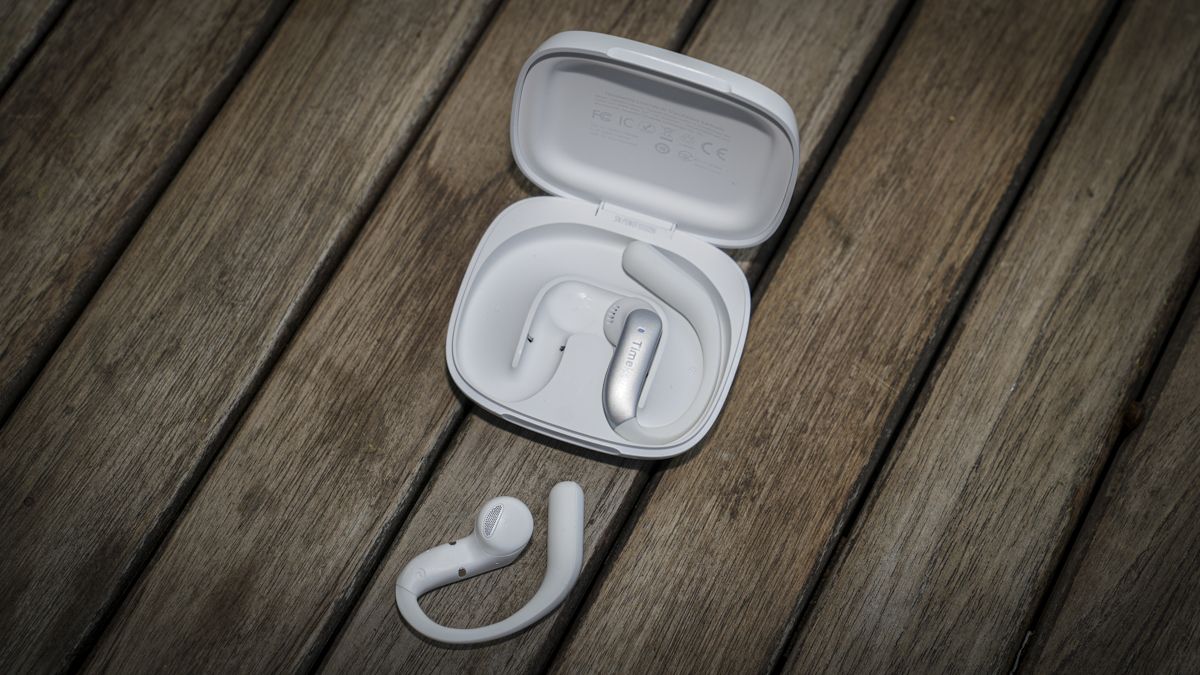
The earphones arrive in a compact Star Silver charging case; that colour profile is essentially white with a slightly pearlescent finish. The supplied case is of a nice design and helps keep the earbuds clean and topped up with charge.
The case itself is simple, with the TimeKettle logo on top, but otherwise minimalistic, with the compact design measuring 65 x 74 x 22 mm and weighing 78g. This makes the design easily pocketable, and the closing mechanism is solid, meaning that when closed, it stays closed. Otherwise, on the exterior there’s just the single USB-C port along the rear edge for the power cable. The cable is also supplied in the box.
Opening up the case, the two over-the-ear buds are magnetically held in position in the case, with charging contacts that enable the two buds to be charged in the case in the usual way.
Alongside the hardware is the app, simply named ‘Timekettle’, and this is where the majority of the adjustments and settings for the translation mode, style and language can be made. This is all clearly laid out, and after the initial Bluetooth connection, you can get straight into using the buds and start translating.
Before you start a conversation, you need to select the type of translation you want, and there are four main types: Face to Face, Live Listening, Voice Call Translation, and Multimedia Translation.
Once you select the translation scenario you want, you can go to the main translation screen. At the bottom is a play button that needs to be pressed to start the live translation; this isn’t initially apparent. However, after the first use, the workflow becomes clear: the play button starts the translation process and doesn’t play back audio. For each of the modes there are also a series of options and these are all well laid out and clear to use.
- Design: 4.5/5
Timekettle LiveTalk AI Translation Earbuds: Features
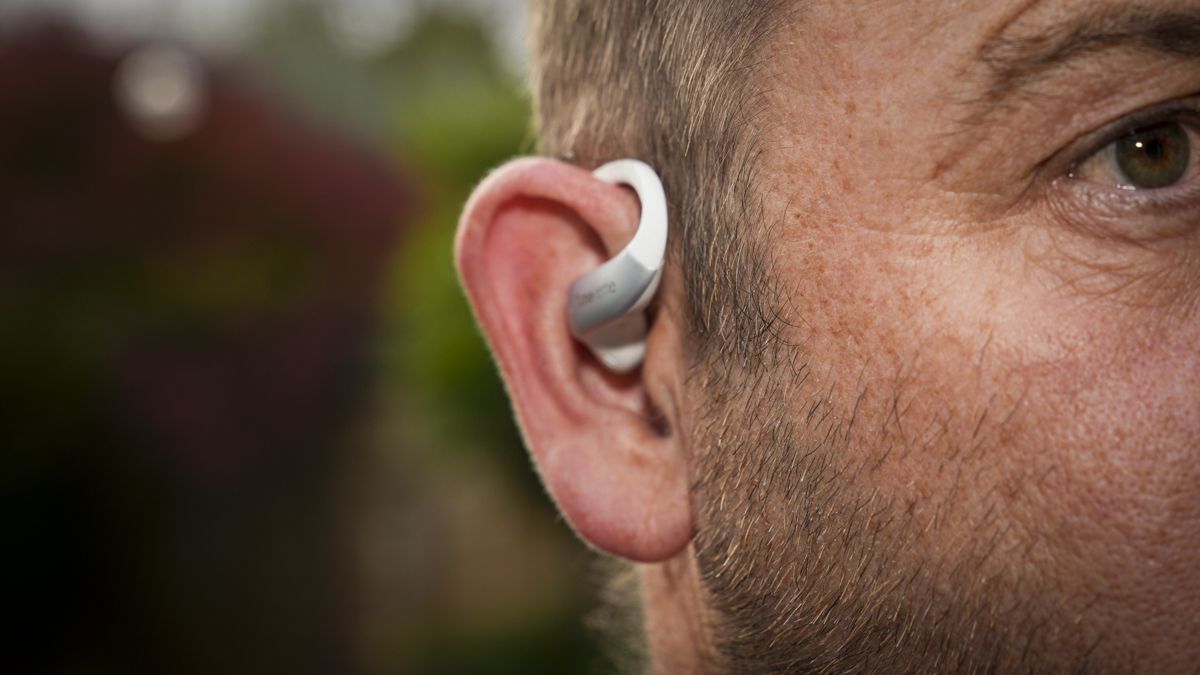
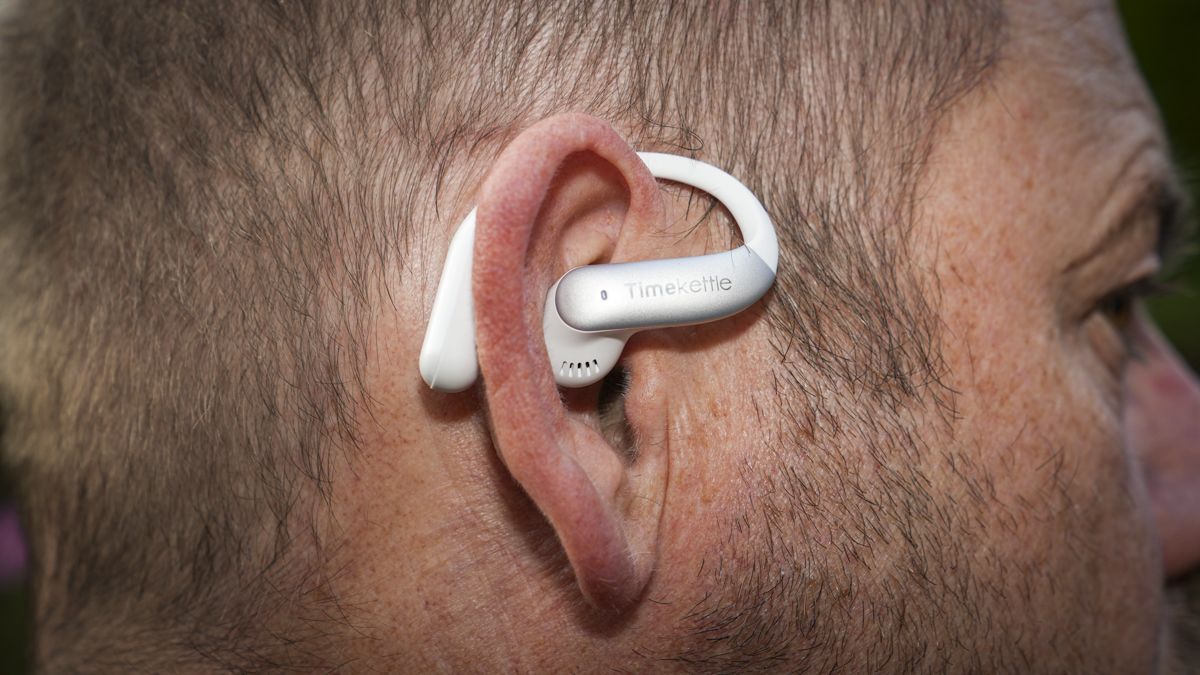
The earbuds themselves are nicely designed, and along with a solid feel to the case, they all feel like a premium product.
The earbuds follow the open-ear hook design, which is comfortable and also lets you hear conversations around you. At 6.9g per bud, they’re also extremely lightweight.
The electronics inside have also been fine-tuned for translation and playback, with dual-microphone air-conduction voice pickup and a dedicated translation EQ that helps to enhance the audio captured.
Through the app, you can also access six EQ preset modes for music. While using these earbuds for more than just translation seems obvious, it isn’t always the case; and it’s great to know that you can use these for calls and as an all-day option rather than just being isolated to translation use.
My review sample arrived in the Star Silver colour profile, but if that doesn’t appeal, then they’re also available in two other colours; Polar Black or Deep Sea Blue.
For connectivity, the earbuds use Bluetooth and support dual connections so that you can connect to both your phone and computer at the same time. There’s also plenty of compatibility with applications such as Zoom, Microsoft Teams and many more.
Battery life, once fully charged, is surprisingly good, with around eight hours per charge and the case providing power for a top-up charge. The earbuds are rated for 4 hours of translation or 8 hours of music playback per charge, with the charging case extending total translation use to approximately 16 hours. Timekettle also advertises up to 35 hours of total battery life, while a quick 10-minute charge provides an additional 2.5 hours of use.
I’ve reviewed many of these translation devices. Timekettle has been one of the more consistent players in the market, with a full feature set that makes its devices useful in the real world and a viable, more advanced alternative to Google Translate.
Google Translate is, of course, free. In contrast with the Live Talk earbuds, there’s an outlay for the product and then often an additional cost for the extended use of the translation service, although with 200 minutes a month included for free, that does give you plenty of scope for use. The paid tiers just extend the translation amounts if you need the functionality for business, for instance.
The first major difference between Live Talk and Google Translate is real-time, two-way translation, with the text translating quickly as the conversation happens. This doesn’t differentiate it from Google much at first, other than that I found the transcription speed faster. The translation accuracy was essentially the same, but LiveTalk also offers 25 offline language pairs through downloadable language packs. This is useful when travelling without a reliable connection, although Google Translate also supports offline translation.
Although without the AI boost, the translations are a little more formulaic. The translation through the TimeKettle App is easy to read, and I found the user interface is far more user-friendly than Googles.
But then, with a quick tap of the voice button, that face-to-face conversation is not only translated into text but also spoken directly into your ear. The translation speed to text is fast, although it depends on your connection speed and ambient noise; it's impressive nonetheless, but the translated audio is notably slower.
In the app, you select the translation environment you need: Face to Face for one-on-one conversations, Live Listening for lectures and meetings, Voice Call, or Multimedia Translation.
Currently, it supports up to 54 languages and 108 regional accents. For example, there’s French and French Canadian. While the system works best with an online connection, it also offers 25 language pairs that can be used offline. The system also uses the Babel OS 3.0 AI translation engine, which you can switch on and off; testing showed it improved translation quality and speed.
One of the features that impressed me was the automatic language detection, although you can still manually select the languages you want, for example, English to French.
Some of the most useful transcription features include real-time speech-to-text transcription with bilingual transcription that’s displayed on the phone’s screen. You can also ask for AI-generated meeting summaries and other summary templates for different situations; this is a feature that I have liked on AI note-taking devices in the past.
As ever, transcription has paid tiers, but the free tier is surprisingly good: up to 200 minutes of translation a month, covering all four translation modes.
Other paid plans include the Unlimited Plan at £9.99 a month and a yearly option at £99.99 a year.
- Features: 4.5/5
Timekettle LiveTalk AI Translation Earbuds: Performance
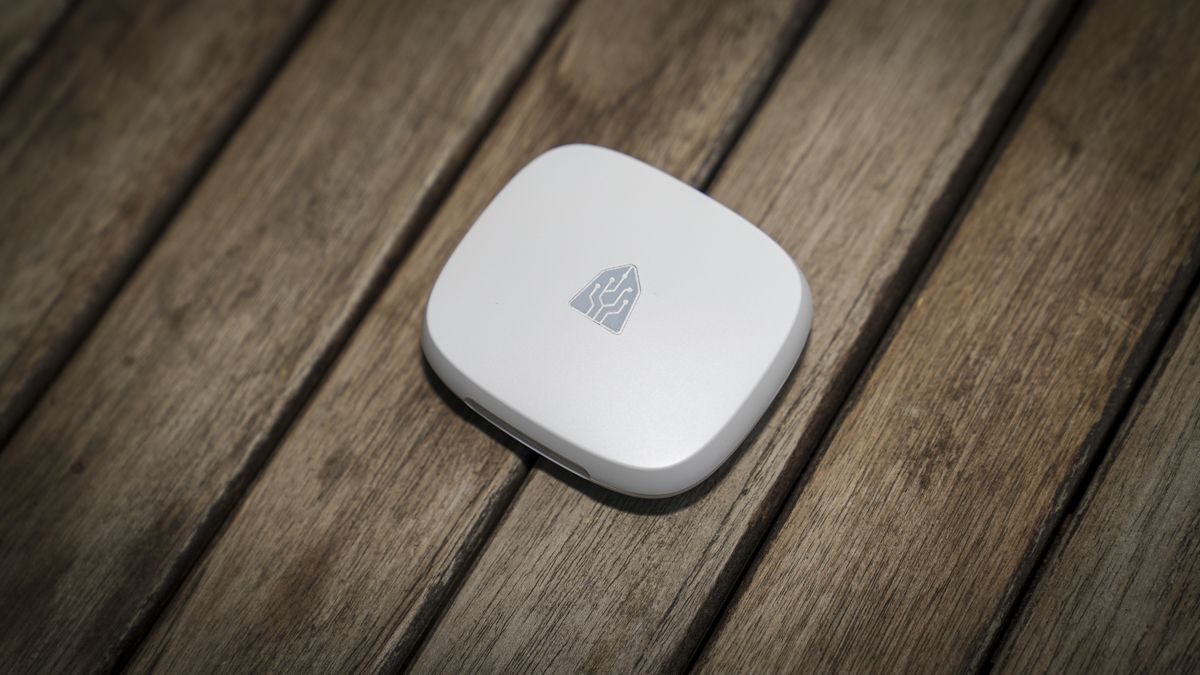
The LiveTalk earbuds arrive in a compact charging case, and before starting the test, I left them overnight to ensure both the earbuds and the charging case were fully charged.
Once fully charged, I ran through the setup process, which involved downloading the app, opening the charging case with the earbuds inside, and tapping the Connect Device option. At that point, the LiveTalk hardware was detected. There was a little to-and-fro with the app and checking the Bluetooth connection, but overall it was well guided and connected quickly.
On the home screen, you have four translation modes: Face to Face, Live Listening, Voice Call, and Multimedia Translation. I started with the multimedia translation.
I found that getting started with this feature took some work. Initially, activating translation while you play back a video in French is simple. Just activate the Multimedia mode, click play, which sets the app up for translation as soon as it hears the vocals, then go to the media source, in this case, YouTube, and tap play. The video then starts to play, and about three seconds later the text translation appears, followed by the audio translation, which starts about seven seconds after the original word is spoken.
The written transcription and vocal translation are accurate, but the audio delay takes some getting used to, and it’s surprising how quickly things can move on in a YouTube video. The text translation, on the other hand, is almost instant.